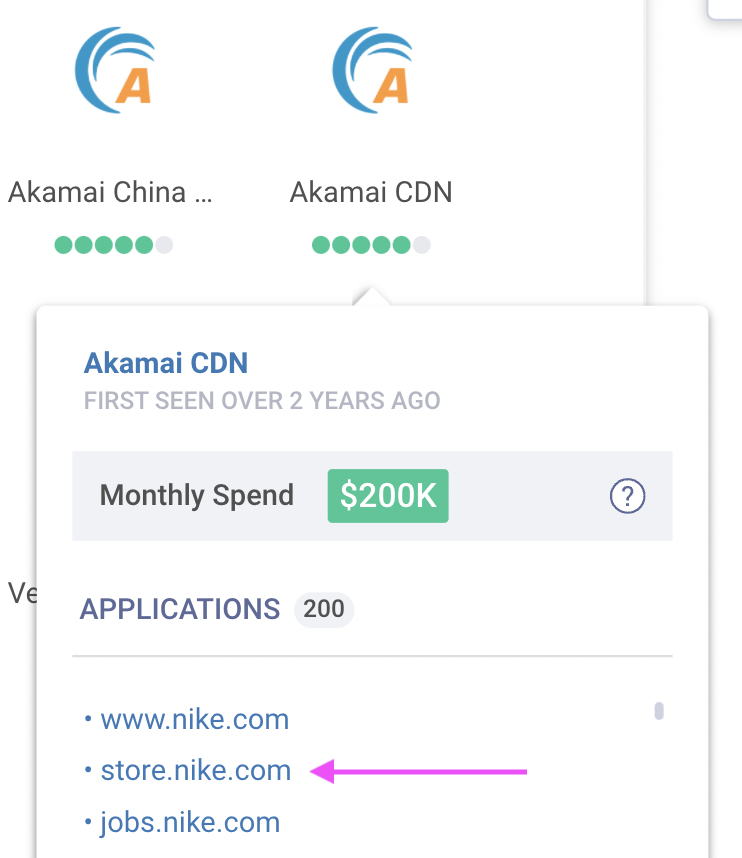
We can see the use case and the deployment location for all of the products monitored. For example, you can see how Nike uses Akamai and where Nike deploys Akamai.
To find this information, click on the product logos when viewing a company report.
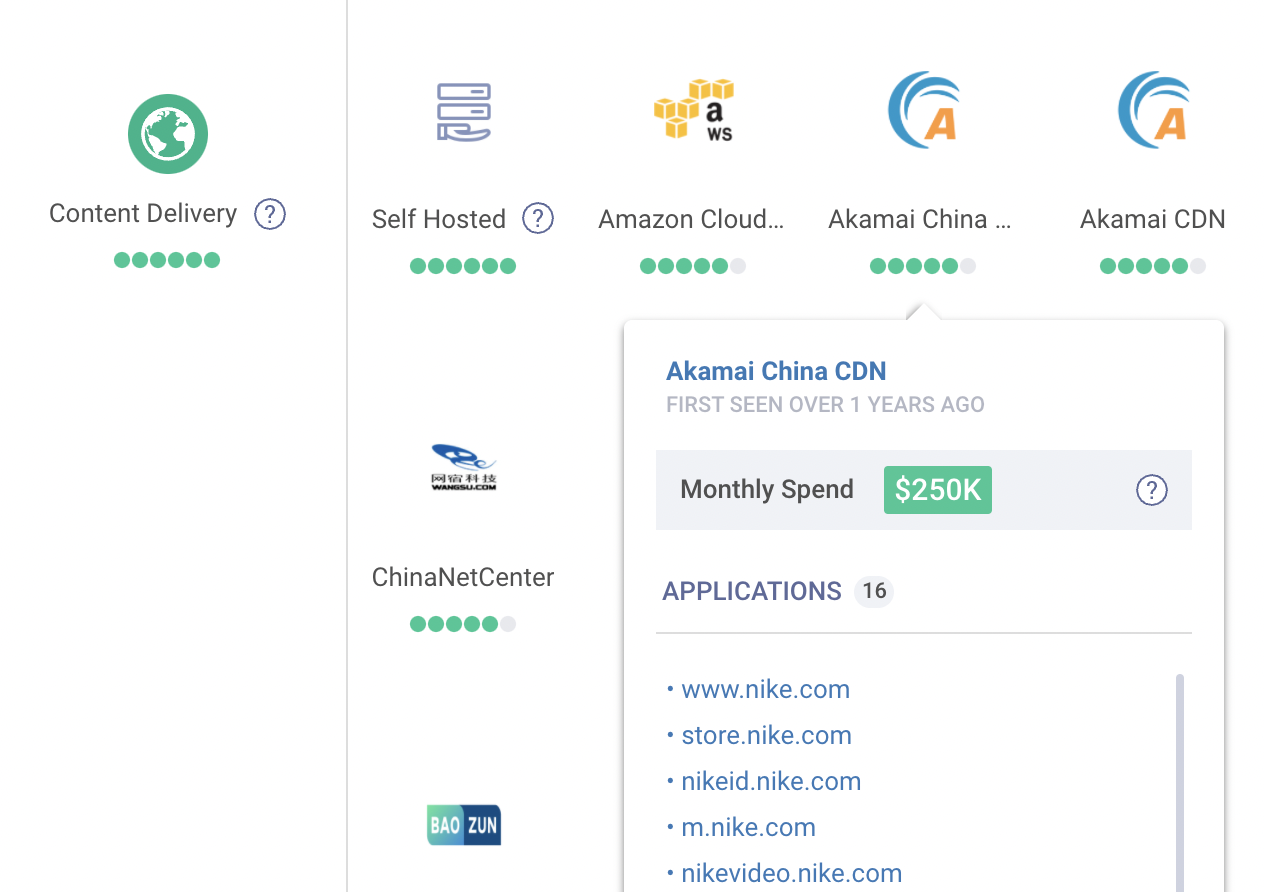
Step-by-Step Explanation
-
Visit a company report. If you're not sure what a company report is see our article How to Read a Company Report.
-
Scroll down to the technology stack section.
-
Click on a product logo. The product logos represent the technology providers installed.
-
The pop-up will list the domains, sub-domains, hostnames, and IP networks for where the product is in use.
Example Use Case
If we use Nike as an example, we can see they have a broad range of products across all categories.
Looking specifically at Content Delivery (CDN) if we click on the category icon we can see the estimated total spend on the category as a whole. From there, we can expand the list to view all products, and clicking each logo individually will let us see the volume per vendor.
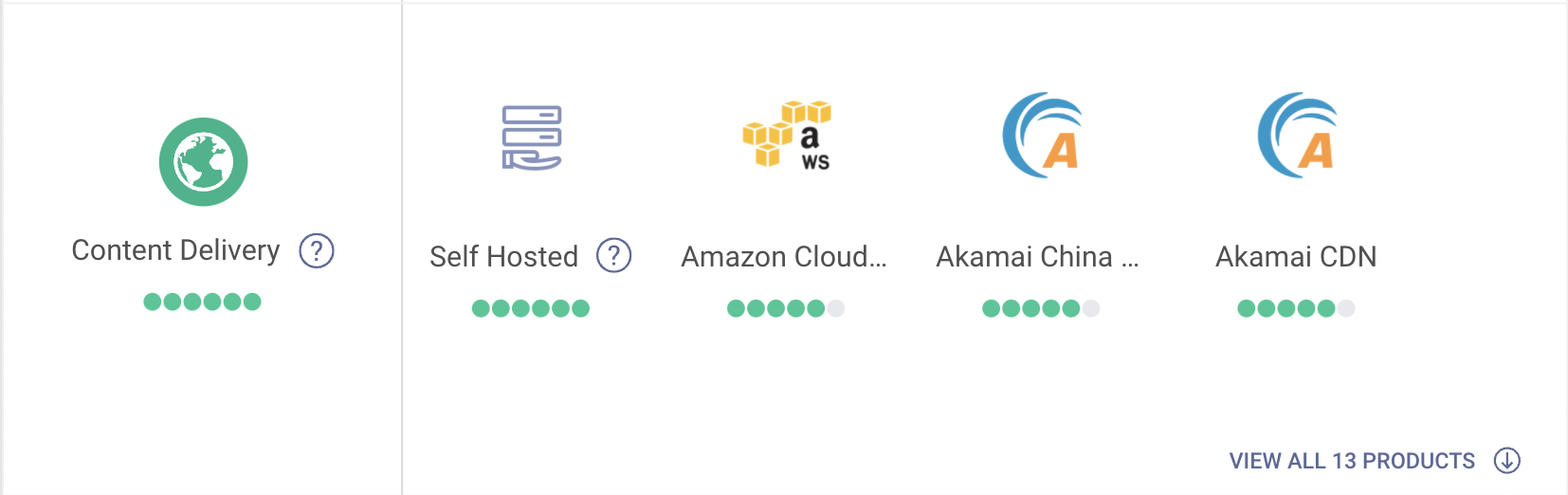
Using this, we can see the Akamai is responsible for the largest cut of the overall spend. We can also see that Nike uses Akamai for its online store. We know this because we see store.nike.com as a location for Akamai.
If you're a CDN vendor thinking of approaching Nike, you can see that Akamai holds a tremendous amount of this business, with AWS coming up a close second.