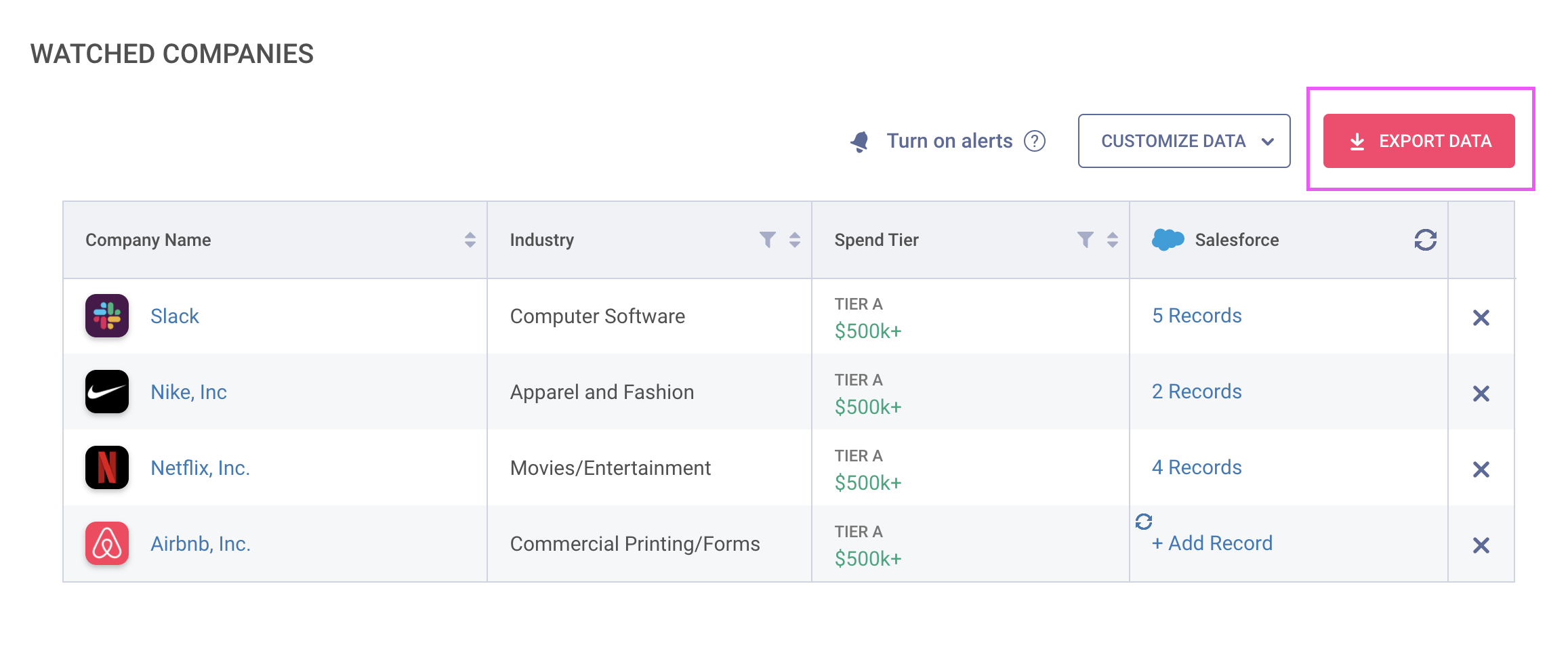
Add companies you're interested in to your Watch List for easy referencing!
Your Watch List is accessible from the main sidebar navigation:

Read on to get started:
- Adding Companies to Your Watch List
- Removing Companies from Your Watch List
- Tracking Changes on Your Watch List
- Exporting Your Watch List
Adding Companies to Your Watch List
You can easily add a company to your Watch List by clicking on the "star" icon at the top of the company's report in the web app or the Assistant extension
In the Web App:

In the Assistant

Removing Companies From Your Watch List
You can remove a company from your Smart List at any time by:
-
Clicking on the star icon again on a Company Report
-
Navigating to your Watch List and clicking the 'X' next to the company you'd like to remove
Tracking Changes on Your Watch List
You can subscribe to Watch List Alerts to track product installations and removals at your watched companies! See our article How to Track Competitors & Be Alerted to Changes for more detail.