Activating your Intricately Enterprise Account
Last updated: December 17, 2025
Step 1: Accept Your Team Invitation
If your company has already set up a team within Intricately, you'll be sent an invitation link. Your team administrator might send this link via email or share the link with you directly. Follow this link to start setting up your account.
The link will look something like this: https://my.intricately.com/join/*****
Step 2: Authenticate to Intricately
You'll be taken to the Intricately login screen, where you'll be able to choose how you'd like to authenticate to Intricately. Check out the Signing up for Intricately documentation for more detail on each login method.
Step 3: Onboarding
After you authenticate to Intricately for the first time, you'll need to complete a short onboarding survey, so we can effectively tailor the platform experience to you.

Fill out the onboarding form with your company email and other information, then click GET STARTED.
Step 4: Final Checks
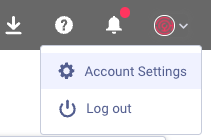
You can confirm that your account has been linked properly by heading to Settings:
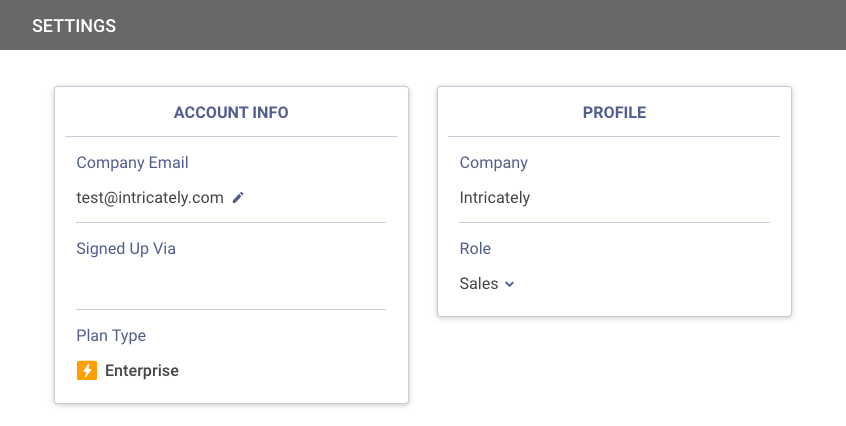
You'll be able to see the verified company email and team associated with your account: