Logging in to Intricately
Last updated: December 17, 2025
If you’ve already created an account with Intricately, you can log in by visiting the login page.
You have a few options for logging in! Choose the method that works best for you:
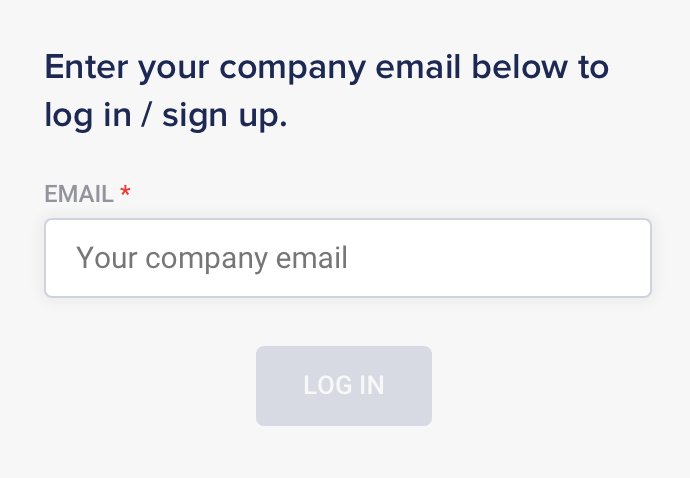
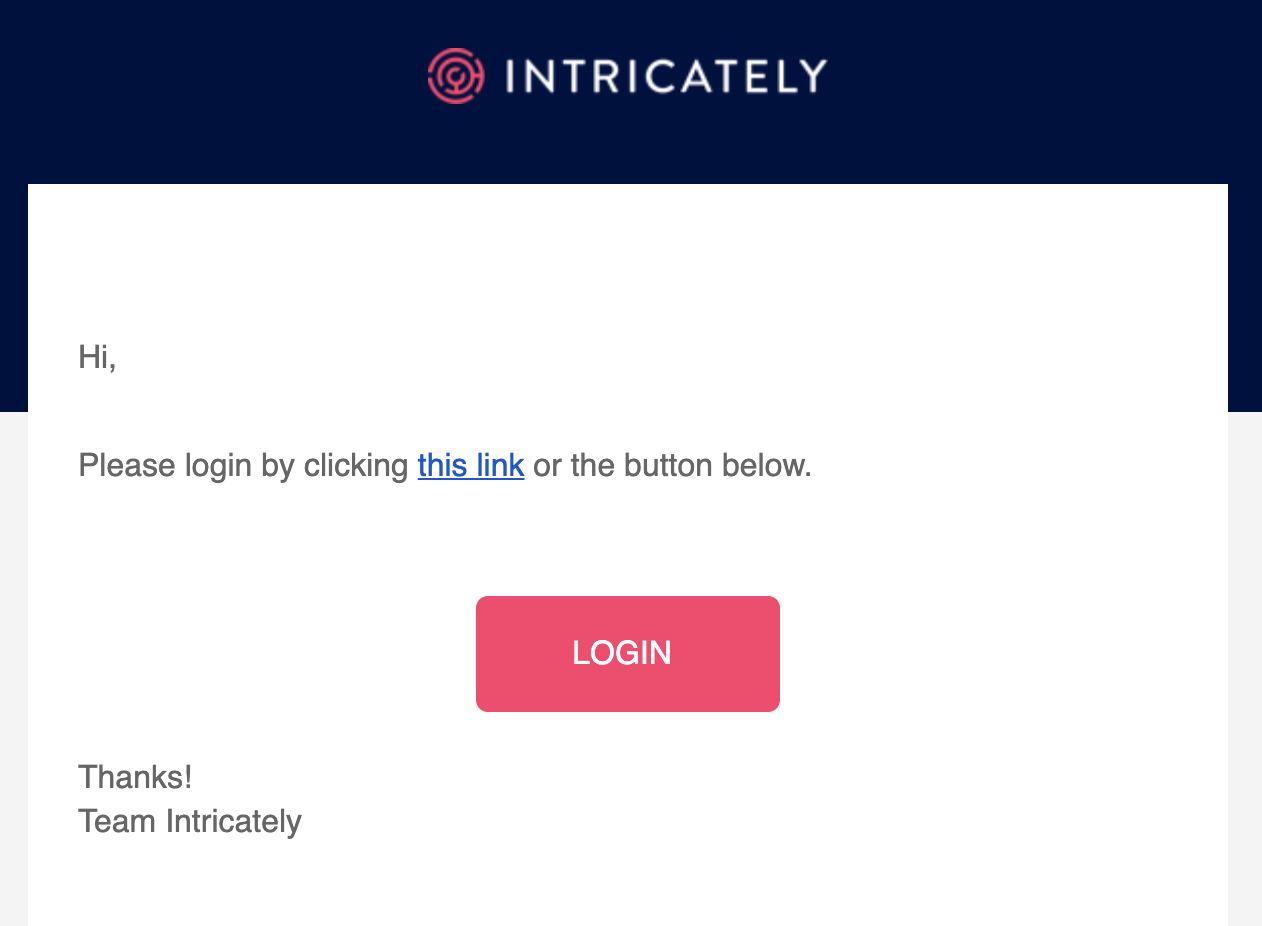
- Company email: Log in by entering your work email address and then clicking an authentication link sent to your inbox.
-
Social login: Use your Google, LinkedIn, or Salesforce credentials to authenticate.
-
Federated Single Sign-On (SSO): If you're an Enterprise user and your company has set up SSO with us, we'll authenticate you using your SSO provider (such as Okta).
Company Email
- Start by visiting the login page at my.intricately.com/login
- Enter your company email address in the input box
- Check your email for a message from Intricately support. Click the LOGIN link in the email.
Congratulations! You've logged in to Intricately.
Social Login
- Start by visiting the login page at my.intricately.com/login
- Select your preferred social login option: Google, LinkedIn, or Salesforce.
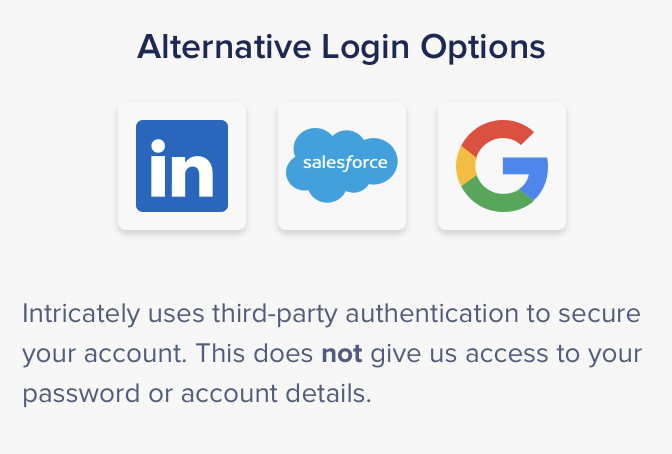
- You'll be prompted to log into your selected Google/LinkedIn/Salesforce account, if you haven't already
- Upon successfully entering your social credentials, you'll be logged in to Intricately!
Single Sign-On (SSO)
If you're part of an Enterprise team that's configured SSO, you'll authenticate using your company's SSO provider.
- Start by visiting the login page at my.intricately.com/login
- Enter your company email address in the input box
- If your team has SSO configured, you'll be directed to authenticate via your company's SSO provider.
- On successful authentication, you'll be logged into Intricately!